Image to Prompt Generator
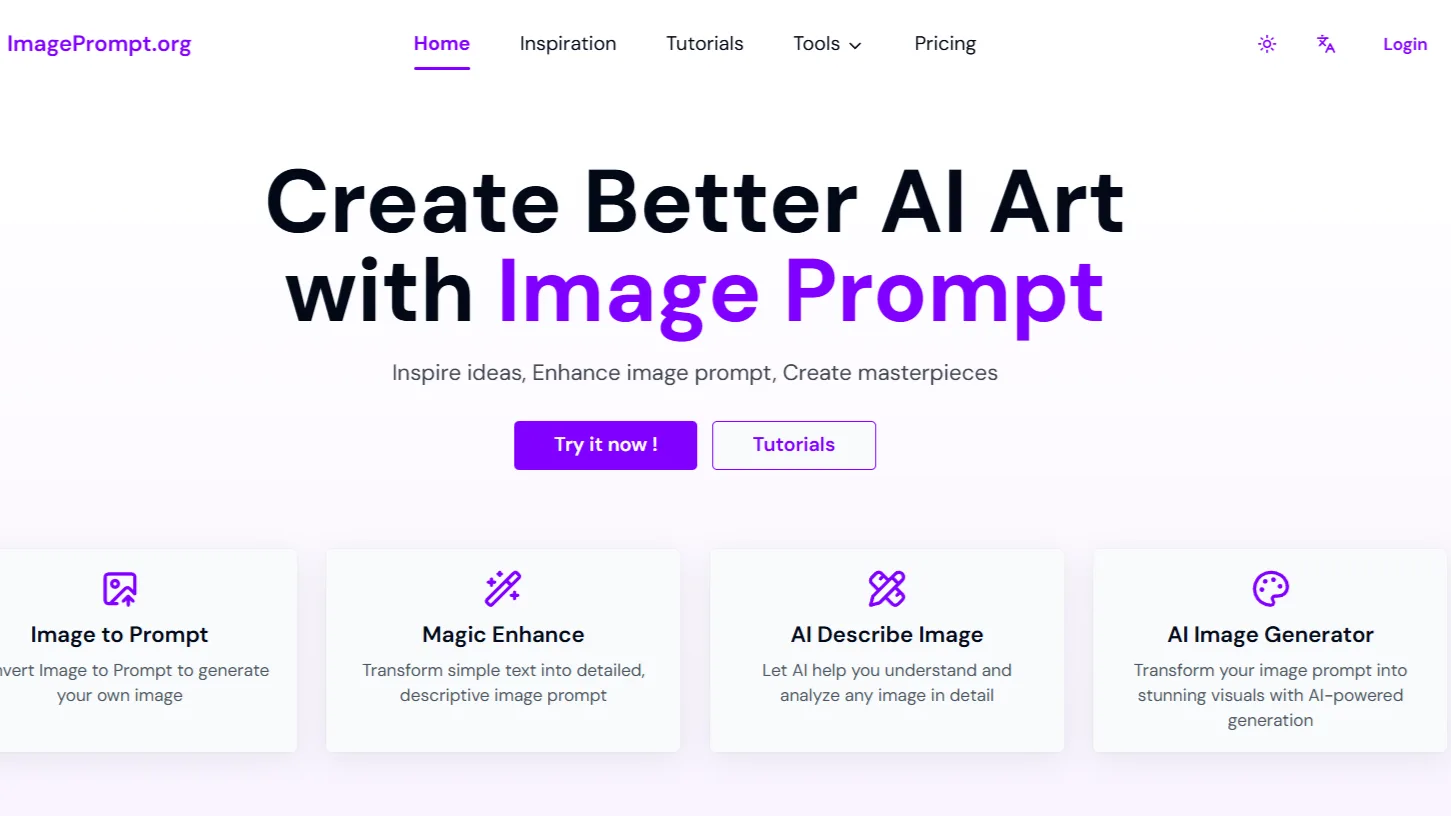
ImagePrompt.org is a free, browser-based image to prompt generator that helps you convert any image into a detailed AI-ready text prompt. In simple words, you upload an image and the tool analyzes it to generate a descriptive prompt you can reuse in popular AI image generators like Midjourney, DALL·E, Stable Diffusion, or even Gemini-based tools.
Why Image to Prompt Tools Are So Important Right Now
AI image tools are everywhere. But most users struggle with:
Describing visuals accurately
Using the right style and lighting terms
Writing prompts that AI models truly understand
An image to prompt AI tool flips the process. Instead of imagining the perfect words, you start with an image and let AI explain it back to you in prompt form. This is why tools like ImagePrompt.org are becoming essential for designers, marketers, and content creators.
ImagePrompt.org AI Key Features
1. Image to Prompt Generator (Core Feature)
This is the heart of ImagePrompt.org. Upload any image and it generates:
Subject description
Art style or realism level
Lighting and color tone
Camera angle or composition
Background and mood details
The output works well with most AI prompt generators and image models.
2. Free Image to Prompt Generator (No Signup)
One big plus is accessibility. You do not need:
An account
A credit card
Any technical setup
This makes it a genuinely free image to prompt generator online, perfect for quick testing or casual use.
3. Clean, Beginner-Friendly Interface
The interface is simple:
Upload image
Click generate
Copy prompt
No distractions, no upsells, no confusing dashboards. For new users, this matters more than fancy features.
4. Prompt Enhancement Focus
The generated prompts are not just literal descriptions. They are structured in a way that:
AI image models understand better
Improves consistency and realism
Helps enhance image prompt quality over time
This is especially useful if you plan to reuse prompts across multiple tools.
5. Works With Popular AI Models
You can use ImagePrompt.org outputs with:
Midjourney
Stable Diffusion
DALL·E
Gemini-based image tools
Other image to prompt generator Gemini workflows
How to Use ImagePrompt.org (Step-by-Step)
If you can upload a photo, you can use this tool. Here is the simple process:
Visit the official website: https://imageprompt.org/
Upload an image from your device
Wait a few seconds for analysis
Copy the generated AI prompt
Paste it into your preferred AI image generator
Adjust or enhance if needed
Real-world tip:
I often run the same image through ImagePrompt.org, then tweak the output slightly for different styles like cinematic, anime, or ultra-realistic. It saves time and improves results.
Pros of ImagePrompt.org
Completely free to use
No login or signup required
Beginner-friendly interface
High-quality prompt structure
Saves time for creators and designers
Works well with most AI image tools
Cons of ImagePrompt.org
Limited advanced customization
No prompt history or saved library
Depends heavily on image quality
No built-in style presets yet
These are not deal-breakers, but worth knowing if you are a power user.
Best Use Cases for ImagePrompt.org
1. AI Artists & Designers
Reverse-engineer prompts from images you like and recreate similar styles legally and creatively.
2. Content Creators & Bloggers
Generate better visuals for blogs, thumbnails, and social posts without learning prompt engineering.
3. Marketers & Ad Designers
Quickly turn reference images into usable AI prompts for ads and creatives.
4. Beginners Learning Prompt Writing
Study the generated prompts to understand how AI “sees” images.
5. Developers & Prompt Engineers
Use it as a baseline tool to enhance image prompt workflows.
Pricing: Is ImagePrompt.org Really Free?
Yes.
As of now, ImagePrompt.org is 100% free.
No subscription plans
No hidden charges
No watermark on prompts
This makes it one of the best image to prompt AI free tools available online today.
Comparison With Other Image to Prompt Tools
Here is a quick comparison based on real usage:
| Feature | ImagePrompt.org | Paid Prompt Tools | Built-in AI Tools |
|---|---|---|---|
| Free Access | Yes | Limited | Limited |
| No Signup | Yes | No | No |
| Prompt Quality | High | Very High | Medium |
| Ease of Use | Very Easy | Medium | Easy |
| Best for Beginners | Yes | No | Partial |
ImagePrompt.org stands out for simplicity and zero cost.
ImagePrompt.org Alternatives
If you want more advanced features, here are a few solid alternatives:
PromptHero – Better for prompt discovery and libraries
Midjourney Describe – Built-in but limited to Midjourney
Stable Diffusion Interrogator – More control, but technical
Clip Interrogator – Advanced, not beginner-friendly
Paid AI Prompt Tools – Offer styles and presets, but cost money
For most users, ImagePrompt.org is still the best starting point.
FAQs About ImagePrompt.org
Is ImagePrompt.org safe to use?
Yes. It runs in the browser and does not require personal information or login.
Can I use ImagePrompt.org for commercial projects?
The generated prompts can be used freely. Always ensure your final images comply with the AI tool’s license you use.
Does it work with Gemini image tools?
Yes, the prompts work well with image to prompt generator Gemini workflows.
Is ImagePrompt.org good for beginners?
Absolutely. It is designed for users with zero prompt-writing experience.
Does it support prompt enhancement?
Yes. The structure helps enhance image prompt quality naturally.
If you are new to AI image generation or simply want faster, better prompts without paying anything, ImagePrompt.org is an easy recommendation.
ImagePrompt.org will not replace advanced prompt engineering tools, but for 80% of users, it does exactly what they need. Quickly, cleanly, and without cost.
If you want to improve your AI image results today, start here.
- Pricing: Free
Leave a Comment