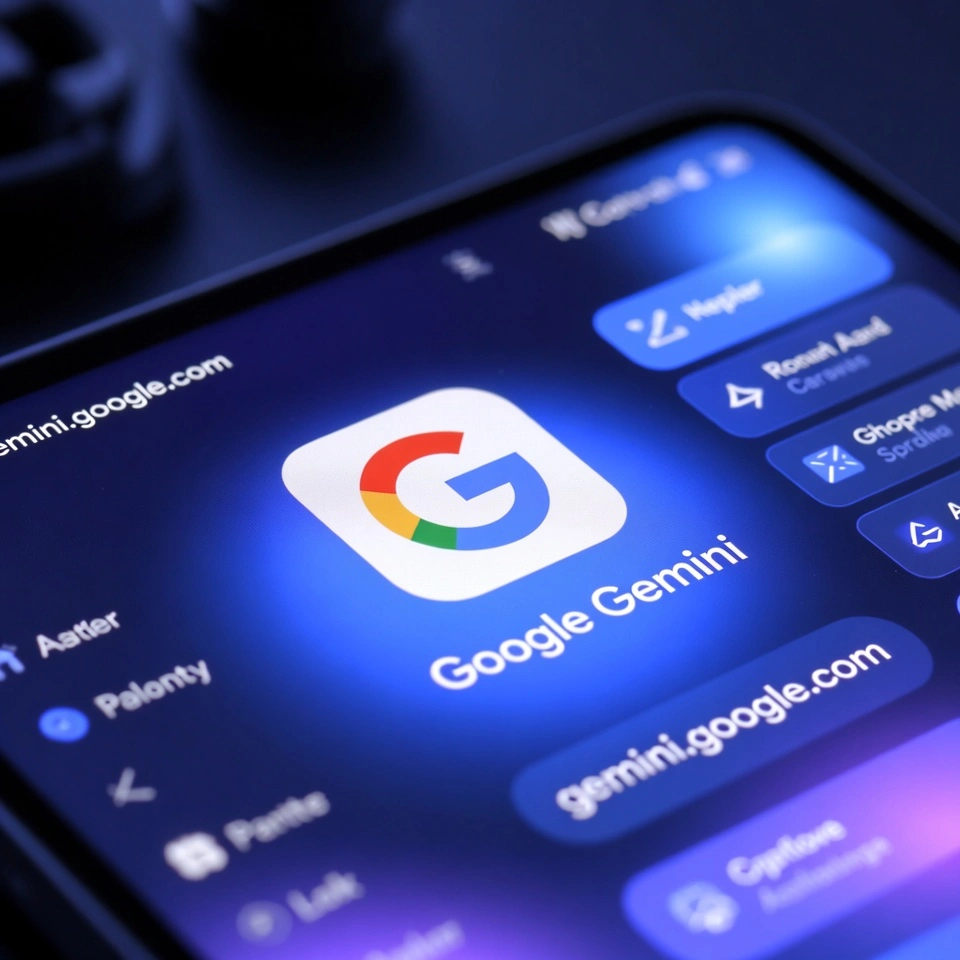
Google Gemini AI
Google Gemini AI is Google’s next-generation artificial intelligence system designed to think, understand, and respond more like a human. It is not just a chatbot. It is a powerful AI model family that can handle text, images, code, audio, and even complex reasoning tasks in one place.
In simple words, Google Gemini AI is Google’s answer to advanced AI assistants like ChatGPT, but deeply connected with Google’s ecosystem. If you already use Gmail, Docs, Search, or Android, Gemini feels like a natural extension rather than a separate tool.
For a Free AI Tools Directory, Gemini AI fits perfectly because it offers both free access and advanced paid options, making it useful for beginners as well as professionals.
Gemini AI Key Features
1. Multimodal Intelligence
Gemini AI can understand and generate:
Text (articles, emails, summaries)
Images (analysis + generation)
Code (multiple programming languages)
Audio and video context (limited but expanding)
This makes it far more flexible than single-purpose AI tools.
2. Gemini AI Chat (Smart Conversations)
Google Gemini AI chat feels natural and context-aware. You can:
Ask follow-up questions without repeating context
Get step-by-step explanations
Switch topics smoothly
It is especially useful for research and learning.
3. Gemini AI Studio
Gemini AI Studio is built for developers and advanced users. It allows you to:
Test different Gemini AI models
Customize prompts
Experiment with structured outputs
Build AI-powered apps
This feature alone makes Gemini attractive for startups and SaaS builders.
4. Gemini AI Photo Prompt & Image Understanding
Gemini AI handles photo prompts in two strong ways:
You can upload an image and ask questions about it
You can generate images using detailed Gemini AI photo prompts
Example:
“Create a clean UI mockup for a free AI tool directory homepage with modern cards and soft colors.”
5. Deep Google Integration
Gemini works seamlessly with:
Google Search
Gmail
Google Docs
Google Sheets
Android devices
This integration saves time and reduces context switching.
How to Use Gemini AI (Step-by-Step)

Using Gemini AI is simple, even if you are completely new.
Visit the official website: https://gemini.google.com/
Sign in with your Google account
Start chatting in the input box
Upload files or images if needed
Use clear prompts for better results
Pro tip from experience:
Gemini responds best when you give a bit of context. Instead of “Write an article,” try:
“Write a beginner-friendly article for a free AI tools directory explaining Gemini AI.”
Pros of Google Gemini AI
Free version available
Strong reasoning and accuracy
Excellent for research and learning
Works well with Google products
Supports coding, writing, and image tasks
Cons of Gemini AI
Some advanced features are paid
Image generation still improving
Not fully available in all regions
Less customization compared to open-source AI models
Best Use Cases of Gemini AI
1. Students & Learners
Homework help
Concept explanations
Study notes and summaries
2. Bloggers & Content Creators
Article outlines
SEO-friendly drafts
Image prompt ideas
3. Developers
Code generation
Debugging help
API experimentation via Gemini AI Studio
4. Business Owners
Email drafts
Marketing ideas
Product descriptions
5. AI Tool Directory Owners
Tool descriptions
Comparison tables
Category content for free AI tools
Gemini AI Pricing (2026)
Gemini AI offers both free and paid plans.
Free Plan
Access to Gemini AI chat
Basic reasoning and writing
Limited image and file usage
Gemini Advanced (Paid)
Uses more powerful Gemini AI models
Faster responses
Better coding and reasoning
Premium Google Workspace features
Pricing may vary by region, but Google keeps the entry point affordable compared to enterprise AI tools.
Comparison: Gemini AI vs Other AI Tools
| Feature | Gemini AI | ChatGPT | Claude AI |
|---|---|---|---|
| Multimodal | Yes | Yes | Limited |
| Free Plan | Yes | Yes | Yes |
| Google Integration | Strong | None | None |
| Developer Tools | Gemini AI Studio | OpenAI API | Claude API |
| Best For | Research + Productivity | Writing + Coding | Long-form reasoning |
Gemini AI stands out if you already live inside Google’s ecosystem.
Gemini AI Alternatives
Here are some strong Gemini AI alternatives worth listing in your AI tool directory:
ChatGPT – Best for creative writing and plugins
Claude AI – Excellent for long documents
Perplexity AI – Strong AI-powered search
Microsoft Copilot – Deep Microsoft integration
Mistral AI – Open-source focused users
Each tool has its own strengths, but Gemini balances usability and power very well.
FAQs About Google Gemini AI
Is Google Gemini AI free to use?
Yes. Gemini AI offers a free version with optional paid upgrades.
Can Gemini AI generate images?
Yes, it supports image understanding and Gemini AI photo prompts for generation.
Is Gemini AI better than ChatGPT?
It depends. Gemini is better for Google users and research, while ChatGPT excels in creativity.
Does Gemini AI support coding?
Yes. It supports multiple programming languages and debugging.
Is Gemini AI safe and reliable?
Google follows strict AI safety and data protection standards, making it trustworthy for everyday use.
Google Gemini AI is not just another AI chatbot. It is a complete AI ecosystem designed for real-world productivity. Whether you are a student, creator, developer, or running a free AI tools directory, Gemini AI deserves a top spot on your list.
If you want an AI tool that feels natural, reliable, and deeply integrated with tools you already use, Gemini AI is a solid choice.
Try it once. You will quickly see why Google is betting big on Gemini.
- Pricing: Free

Leave a Comment