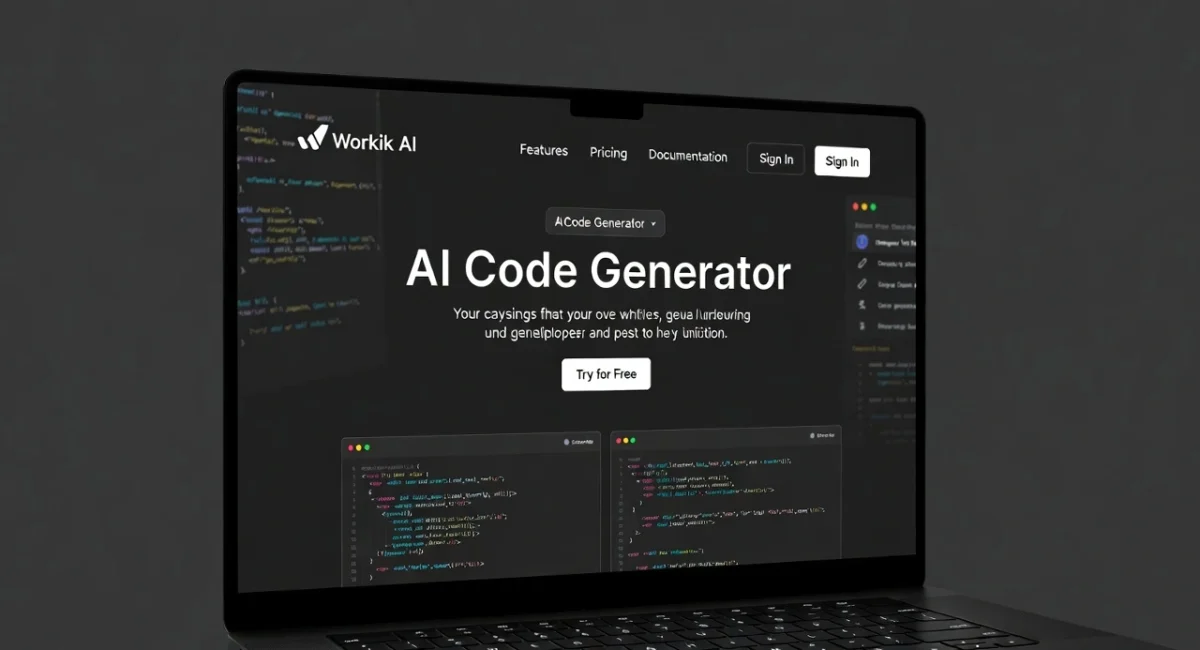
Workik AI: Smart AI Coding Tool for Automated Code Generation (2026)
AI is no longer just helping developers write code. It is actively shaping how software is planned, structured, and delivered. In 2026, one tool that keeps getting attention in serious development circles is Workik AI Code Generator.
If you are new to AI coding tools or confused about how Workik AI fits among popular options like Copilot, Cursor, or other AI code generator tools, this guide will clear things up. I will explain what Workik AI actually does, how it works in real projects, and who should use it. Simple language, honest insights, and no hype.
Please Note: If you’re looking for the No. 1 free AI tools directory, ivprompts.com is for you. New AI tools are added daily. So if you’re looking for free AI tools to use in your daily work, visit the homepage of this Free AI tools directory.
What Is Workik AI?
Workik AI is an AI code generator tool designed to automate and accelerate software development tasks. Unlike simple prompt-based tools, Workik AI focuses on structured workflows. You do not just ask for a snippet of code. You guide the system through requirements, and it helps generate organized, production-ready outputs.
Think of Workik AI as more of a code writer for free and paid workflows, rather than a casual coding chatbot.
It is commonly used for:
- Backend logic
- API development
- Automation scripts
- Structured application components
Blackbox AI: Best AI Coding Tool 2026 for Prompt to Code Generation
How Workik AI Works Behind the Scenes

Workik AI combines:
- Natural language understanding
- Predefined development workflows
- Context-aware code generation
Instead of responding only to single prompts, Workik AI asks follow-up questions. This helps it understand the project structure before generating code.
This approach makes it very different from many AI coding tools free that focus only on quick answers.
Why Workik AI Is Gaining Popularity in 2026
From what I have seen, developers are moving toward tools that reduce planning friction, not just typing time.
Workik AI helps with:
- Translating requirements into code logic
- Reducing repetitive backend tasks
- Maintaining consistency across modules
For teams, this consistency matters a lot.
Workik AI Code Generator: Core Capabilities
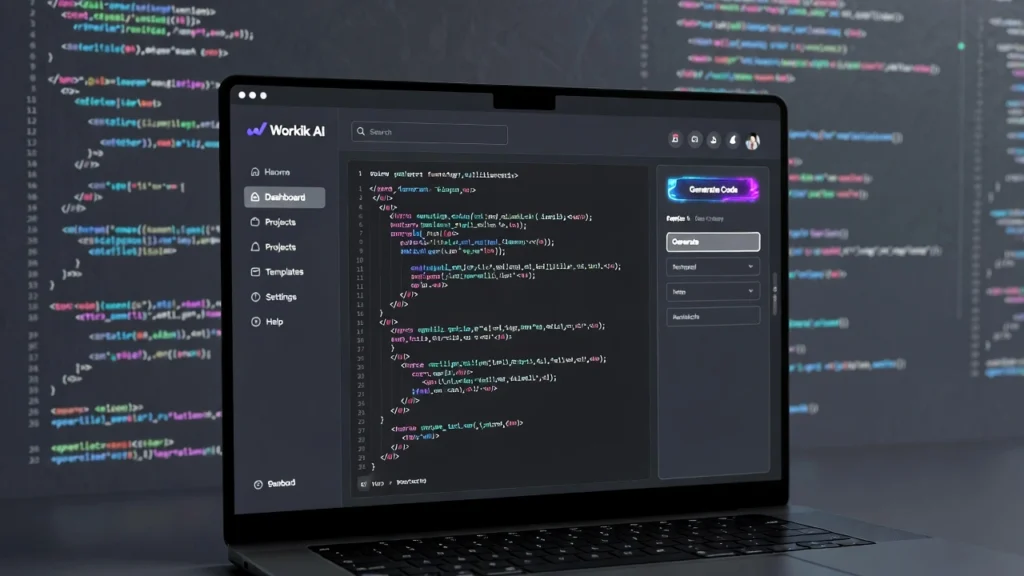
1. Structured AI Code Generation
Workik AI does not just dump code. It follows a logical structure. This is especially useful for:
- Backend services
- CRUD operations
- Microservices foundations
2. FREE AI Python Code Generator (Limited Access)
Many users start with Python. Workik AI supports Python-based workflows and can act as a FREE AI Python code generator for basic logic and automation tasks.
It is helpful for:
- Data handling
- Automation scripts
- Backend APIs
3. FREE AI HTML Code Generator
For frontend basics, Workik AI can also generate clean HTML structures. While it is not a full design tool, it works well as a FREE AI HTML code generator for layout and component scaffolding.
Workik AI for Website and App Development
As a website code generator, Workik AI focuses more on functionality than visuals.
You can use it for:
- Backend APIs for websites
- Authentication logic
- Database interaction layers
- Admin dashboards logic
For app development, it supports:
- Business logic
- API endpoints
- Data flow structures
If you expect pixel-perfect UI design, you may need other tools alongside it.
Workik AI Code Generator Free: What You Get
Workik AI offers limited free access, which is good enough for:
- Learning how workflows work
- Testing small logic blocks
- Exploring the platform
The workik ai code generator free version is more about evaluation than full production usage. Still, it gives a realistic idea of the tool’s power.
Workik AI vs Other AI Code Generator Tools
Let us compare it honestly with some popular alternatives.
Workik AI vs Copilot AI Code Generator
- Copilot focuses on in-editor suggestions
- Workik AI focuses on structured workflows
Copilot feels like smart autocomplete. Workik feels like a planning assistant.
Workik AI vs Cursor AI Code Generator
- Cursor excels at interactive editing
- Workik AI excels at system-level logic
Both are good, but for different purposes.
Workik AI vs Google AI Code Editor
Google’s tools are powerful but often experimental. Workik AI feels more focused on real-world backend use cases.
Workik AI vs Cloudairy AI Code Generator
Cloudairy leans toward visual and UI-driven generation. Workik AI is more logic-driven and backend-oriented.
Is Workik AI the Best AI Code Generator?
That depends on what you mean by “best.”
If you want:
- Casual prompt-based answers, there are simpler tools
- Structured, scalable logic generation, Workik AI is strong
For teams and serious developers, Workik AI often ranks among the best AI code generator options in its category.
Workik AI for Beginners: Is It Beginner-Friendly?
This is important.
Workik AI is not the easiest tool for absolute beginners. It assumes you understand:
- Basic programming concepts
- How backend systems work
- What APIs and logic flows are
However, beginners who already know fundamentals can learn a lot by seeing how structured code is generated.
Workik AI for Professional Developers and Teams
This is where Workik AI shines.
Professionals use it for:
- Speeding up boilerplate code
- Maintaining consistency across projects
- Reducing repetitive planning
For teams, it helps align code structure and logic patterns.
Strengths of Workik AI
- Structured output
- Workflow-driven generation
- Suitable for backend-heavy projects
- Helpful for team environments
Limitations of Workik AI
No tool is perfect.
- Not ideal for pure beginners
- UI-focused development is limited
- Free version has restrictions
- Requires clear requirements to work well
Knowing these limitations helps avoid frustration.
Is Workik AI Safe and Reliable?
From a professional standpoint:
- It does not require sensitive data by default
- You control what code is used
- Outputs should still be reviewed and tested
This is standard practice with any AI code generator website.
Who Should Use Workik AI in 2026?
Workik AI is best suited for:
- Backend developers
- API-focused projects
- Startups building MVPs
- Teams working on structured systems
- Developers tired of repetitive setup work
If you want quick UI demos, other tools may fit better.
FAQs About Workik Code Editor AI
Is Workik AI free to use?
Workik AI offers limited free access for testing and learning, with paid plans for full usage.
Is Workik AI good for Python developers?
Yes, it works well as a FREE AI Python code generator for basic and intermediate logic.
Can Workik AI generate website code?
Yes, mainly backend and functional website components rather than full UI design.
Is Workik AI better than Copilot?
They serve different purposes. Workik AI focuses on workflows, while Copilot focuses on inline suggestions.
Is Workik AI suitable for teams?
Yes, it is especially useful for teams that need consistent and structured code generation.
Final Thoughts: Should You Use Workik AI?
Workik AI is not a flashy AI toy. It is a serious AI code generator tool built for developers who care about structure and scalability.
If you are exploring free AI coding tools, start with the free version. If you are a professional or part of a team, Workik AI can genuinely improve your workflow when used correctly.
My honest advice: Use Workik AI Code Generator as a thinking partner, not a shortcut. When you do that, it becomes a powerful asset in 2026 and beyond.


Leave a Comment