Blackbox AI: Best AI Coding Tool 2026 for Prompt to Code Generation
If you are new to coding or just starting to explore Free AI coding tools, this is the right place to begin. Coding in 2026 is not only about writing lines of code. It is about speed, clarity, and using the right ai code generator tools to reduce confusion. One tool that keeps showing up in real developer workflows is Blackbox AI.
I have seen beginners use it to understand basic logic, and professionals use it to move faster without burning out. In this guide, I will explain everything in a simple, friendly way. No heavy jargon. No overpromises. Just honest information you can trust.
Please Note: If you’re looking for the No. 1 free AI tools directory, ivprompts.com is for you. New AI tools are added daily. So if you’re looking for free AI tools to use in your daily work, visit the homepage of this Free AI tools directory.
What Is Blackbox AI and How Does It Work?
Blackbox AI is an AI code generator website designed to help you write, understand, and improve code using natural language prompts.
In simple words, you tell it what you want to build, and it gives you code.
For example:
- “Create a responsive navbar using HTML and CSS”
- “Write a Java function to reverse a string”
- “Explain this JavaScript code line by line”
Behind the scenes, Blackbox AI uses generative AI coding tools trained on large amounts of real programming data. It recognizes patterns, understands intent, and predicts the most useful code output.
You do not need to be an expert to use it. That is the beauty of it.
Why Blackbox AI Is One of the Best AI Coding Tools in 2026
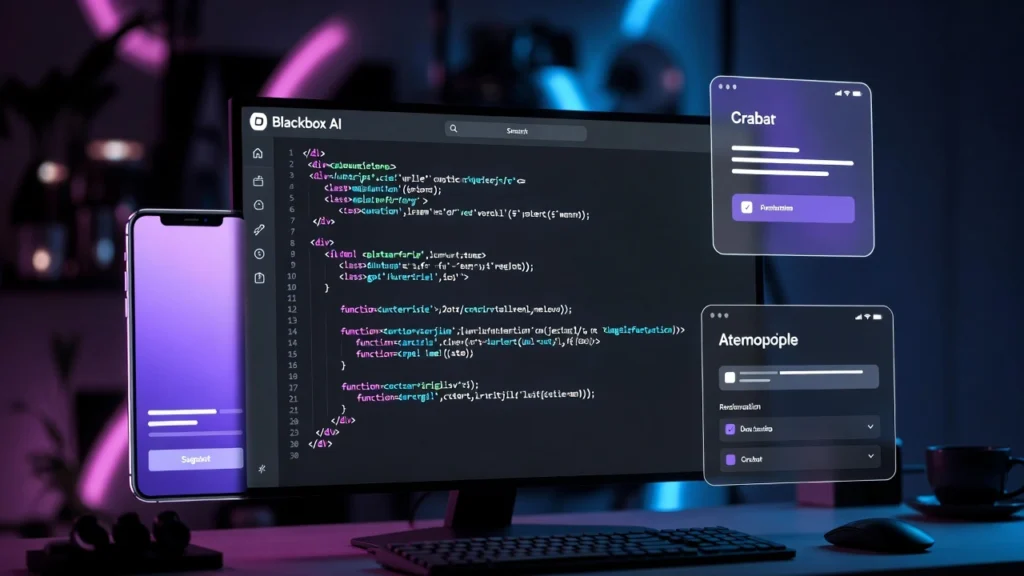
In 2026, there are many AI tools for code generation. But Blackbox AI stands out for a few clear reasons.
- First, it focuses on developers, not just AI demos.
- Second, it works well even with simple prompts.
- Third, it fits naturally into daily coding habits.
From my experience, beginners often quit coding because they feel stuck too early. Blackbox AI removes that early friction. At the same time, experienced developers use it to avoid repetitive work.
That balance is rare.
Blackbox AI as a Prompt to Code Generator
This is where Blackbox AI truly shines.
You do not need perfect prompts. You can write in plain English. Even mixed language prompts work.
Examples of what people use it for:
- Website layouts
- Backend logic
- API examples
- Database queries
- Practice problems
This makes Blackbox AI a strong prompt to code generator for learners and professionals alike.
Is Blackbox AI the Best AI Code Generator Free in 2026?
Blackbox AI offers one of the most useful free AI code generator experiences available today. Unlike some tools that lock everything behind a paywall, Blackbox AI gives real value in its free plan.
You can:
- Generate working code
- Search code snippets
- Learn from explanations
For students and new developers, this alone is enough to get started.
Key Features of Blackbox AI for Developers
Let us talk about features that actually matter in real use.
Prompt-Based Code Generation
You describe the task. Blackbox AI writes the code. Simple and effective.
Multi-Language Support
It supports many languages, including:
- JavaScript
- Python
- Java (useful as a Java AI code generator)
- C++
- PHP
- SQL
Code Explanation
Paste any code and ask for an explanation. This is incredibly helpful for beginners.
Code Search and Reuse
You can quickly find similar code examples without browsing dozens of websites.
Browser-Friendly Experience
You do not need complex setup. Just open it and start coding.
How to Generate Code Using Prompts in Blackbox AI
If you are new, here is a simple workflow:
- Open Blackbox AI
- Write a clear but simple prompt
- Review the generated code
- Test it in your editor
- Ask follow-up questions if needed
A small tip from experience: Instead of asking for “perfect code,” ask for “simple and readable code.” The results are much better.
Blackbox AI for Web Development and App Development
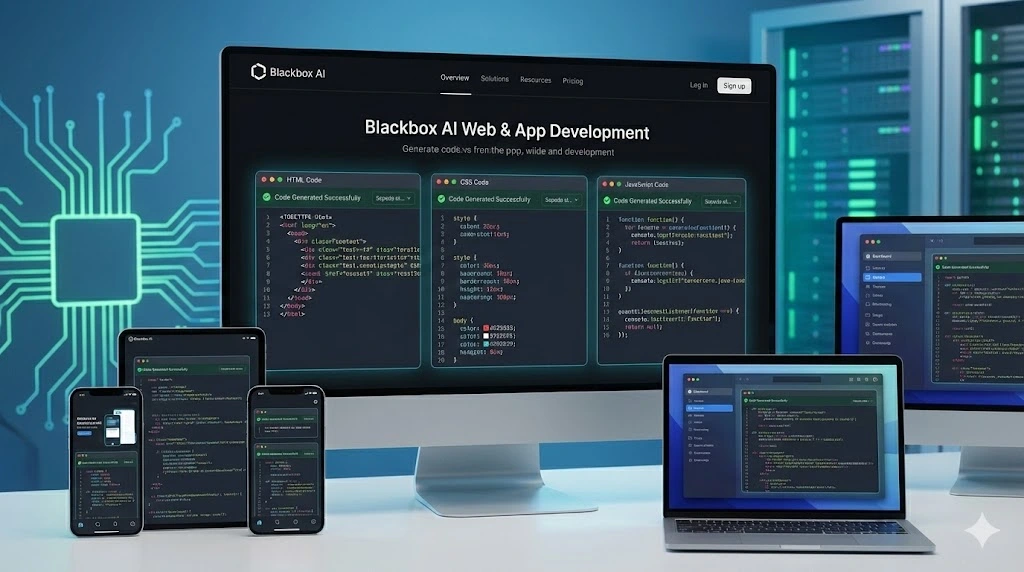
For web developers, Blackbox AI works well as a website code generator.
You can generate:
- HTML structures
- CSS layouts
- JavaScript functions
- React component samples
For app development, it helps with:
- Logic building
- API calls
- Data handling examples
It does not replace full frameworks, but it speeds up learning and development a lot.
Blackbox AI for Beginners vs Professional Developers
For Beginners
Blackbox AI helps beginners:
- Understand logic
- Learn syntax
- Reduce frustration
- Stay motivated
It feels like having a patient coding friend.
For Professionals
Professionals use it to:
- Save time
- Avoid repetitive code
- Explore unfamiliar libraries
- Prototype ideas quickly
Both groups benefit, just in different ways.
Limitations of Using Blackbox AI Free Version
No honest review is complete without limitations.
The free version has:
- Daily usage limits
- Slower responses during peak times
- Less control over advanced outputs
Also, AI-generated code should always be reviewed. It is a helper, not a replacement for thinking.
Blackbox AI Pricing: Free vs Paid Plans
Free Plan
Best for:
- Students
- Beginners
- Casual developers
Includes core features for learning and basic projects.
Paid Plans
Best for:
- Freelancers
- Professionals
- Teams
Paid plans offer faster responses and higher limits. Pricing may change over time, so always check the official site.
Blackbox AI Compared to Other AI Coding Tools
Let us be practical here.
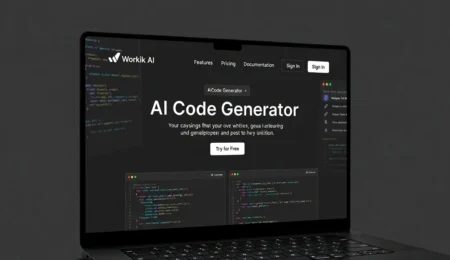
- Compared to Workik AI code generator, Blackbox AI feels more flexible.
- Compared to Canva AI code generator, Blackbox AI is more developer-focused.
- Compared to general AI tools, Blackbox AI understands coding context better.
That is why many developers prefer it among free AI coding tools.
Who Should Use Blackbox AI in 2026?
Blackbox AI is ideal for:
- New programmers
- Students learning computer science
- Freelancers building fast projects
- Developers exploring new languages
- Anyone curious about AI for code generation
If you fall into any of these categories, it is worth trying.
Blackbox AI vs Other AI Coding Tools
Let us compare it honestly with other popular names.
Blackbox AI vs Workik AI Code Generator
- Blackbox AI feels more flexible with prompts
- Workik is more structured but less conversational
Blackbox AI vs Canva AI Code Generator
- Canva AI is focused on design-related outputs
- Blackbox AI is better for actual development logic
Blackbox AI vs Other Free AI Code Generator Tools
- Better prompt understanding
- Faster workflow
- Stronger focus on developers
This balance is why many users prefer it over generic tools.
FAQs
Is Blackbox AI Free to Use for Code Generation?
Yes, Blackbox AI offers a free plan with useful features for code generation and learning.
Is Blackbox AI the Best AI Coding Tool in 2026?
For prompt-based coding and learning, it is one of the strongest options available.
Can Blackbox AI Convert Text Prompts into Code?
Yes, it is designed specifically for converting natural language prompts into code.
Is Blackbox AI Better Than ChatGPT or Copilot?
It depends on your use case. Blackbox AI is more focused on coding workflows and quick code access.
Is Blackbox AI Safe for Professional Coding Projects?
Yes, but always review and test the generated code before using it in production.
Conclusion
Blackbox AI is not magic, and it is not here to replace developers. But it does make coding easier, faster, and less frustrating. That alone makes it valuable.
If you are searching for the Best AI Coding Tool 2026 for Prompt to Code Generation, Blackbox AI deserves serious attention. Start with the free version. Use it to learn. Use it to build. And most importantly, use it wisely.
My friendly advice:
Treat Blackbox AI as a smart assistant, not a shortcut. The results will surprise you in a good way.

Leave a Comment