Suno AI
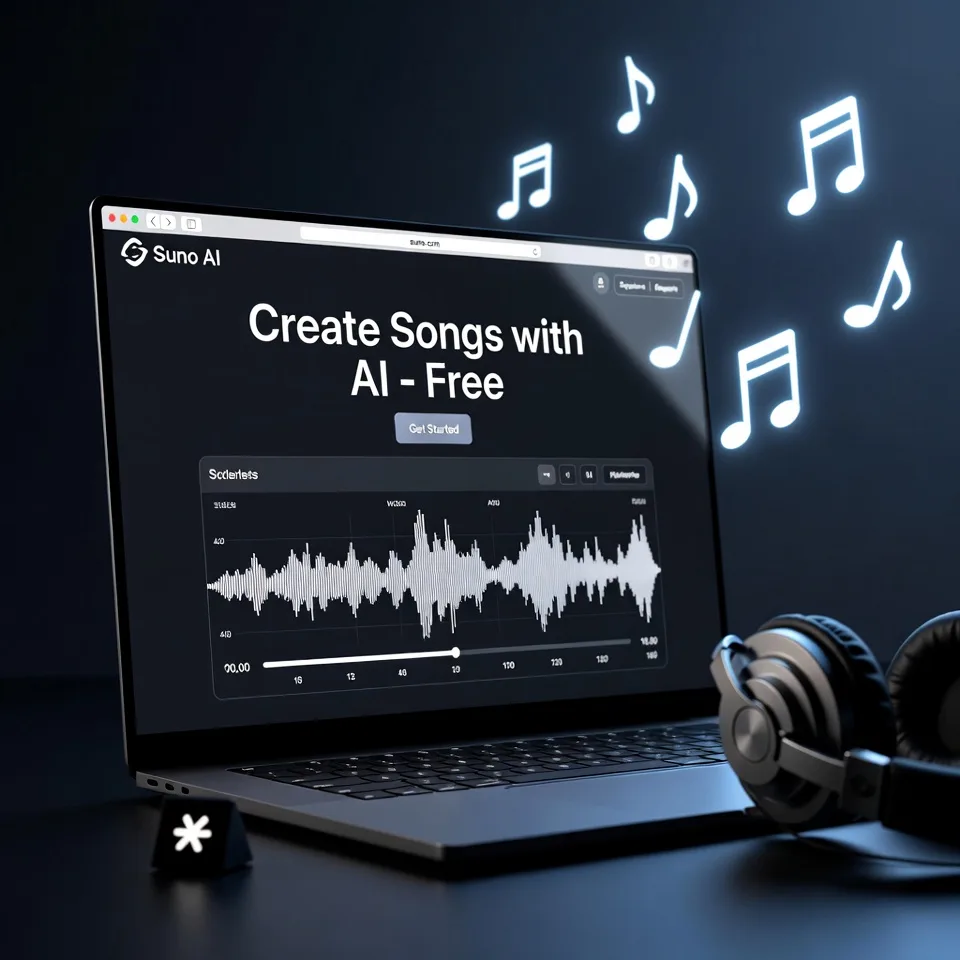
Suno AI is an advanced AI music generator that creates complete songs from simple text prompts. You type what kind of song you want, choose a style, and Suno AI generates:
-
Original lyrics
-
AI vocals
-
Background music
-
Song structure like verses and chorus
Unlike older AI music tools that only produced instrumentals, Suno AI focuses on full songs that sound human, which is its biggest strength.
It is widely used by:
-
Content creators
-
YouTubers
-
Indie musicians
-
Marketers
-
Social media creators
The free version makes it especially attractive for beginners who want to experiment without paying upfront.
Suno AI Key Features
1. Text-to-Song Generation
This is the core feature. You write a prompt like:
“A calm lo-fi song about late-night coding with soft vocals”
Suno AI turns that idea into a real song within minutes.
2. AI Vocals (Not Just Instrumentals)
Most AI music tools stop at background music. Suno AI goes further by adding AI-generated vocals that sound surprisingly natural.
This is why Suno AI music often feels closer to real songs than typical AI tracks.
3. Lyric Generation
If you do not want to write lyrics, Suno AI can generate them for you. You can also provide your own lyrics if you prefer more control.
4. Multiple Music Styles
Suno AI supports many genres, including:
-
Pop
-
Hip-hop
-
Rock
-
Electronic
-
Lo-fi
-
Folk
-
Experimental
This flexibility makes it useful for different platforms and audiences.
5. Fast Song Creation
Most songs are generated in under a minute. That speed is ideal for creators who need content quickly.
6. Browser-Based (No Installation)
You do not need to install any software. Everything works directly from your browser, even on low-end systems.
How to Use Suno AI (Step-by-Step)
Here is the simplest way to use Suno AI, even if you are completely new.
Step 1: Visit the Official Website
Go to https://suno.com/ and sign up using Google or email.
Step 2: Choose Song Mode
You can:
-
Let Suno AI generate lyrics automatically
-
Or paste your own lyrics
Step 3: Write Your Prompt
Describe the mood, genre, and theme. Be specific. Better prompts usually produce better songs.
Step 4: Generate the Song
Click generate and wait a few seconds.
Step 5: Listen and Download
Preview the song. If you like it, download or save it. If not, tweak the prompt and try again.
From experience, experimenting with prompts is where the magic happens.
Pros of Suno AI
-
Very easy for beginners
-
Generates full songs with vocals
-
Free plan available
-
No technical setup required
-
Fast output
-
Wide genre support
For new creators, this is one of the most approachable AI song generators available.
Cons of Suno AI
-
Free plan has daily limits
-
Limited control over advanced mixing
-
AI vocals may sound repetitive at times
-
Not ideal for professional music mastering
It is excellent for ideas and content creation, but not a replacement for a professional studio.
Best Use Cases for Suno AI
Suno AI shines in practical, everyday creator scenarios.
Content Creators
Perfect for background music, intros, and short songs for YouTube, Instagram, and TikTok.
Songwriters
Great for brainstorming melodies, lyrics, and song structure when you feel stuck.
Indie Musicians
Useful for demos, concept testing, and experimenting with new genres.
Marketers
Create custom music for ads, reels, and product videos without licensing headaches.
Beginners
If you have never made music before, Suno AI is one of the easiest starting points.
Suno AI Pricing (Free vs Paid)
Free Plan
-
Limited daily song generations
-
Access to core features
-
Good enough for testing and casual use
This is why “suno ai free” is such a popular search.
Paid Plans
Paid plans increase:
-
Daily generation limits
-
Priority processing
-
Usage rights (important for commercial projects)
Pricing may change, so always check the official website for the latest details.
Suno AI vs Other AI Music Tools
Here is a practical comparison from a user’s point of view.
| Tool | Best For | Key Difference |
|---|---|---|
| Suno AI | Full songs with vocals | Strong lyric + vocal generation |
| Boomy | Quick instrumentals | Simpler but less expressive |
| Soundraw | Commercial music | More control, no vocals |
| AIVA | Cinematic music | Professional focus, steeper learning curve |
Suno AI stands out because it blends lyrics, vocals, and music into one workflow.
Best Suno AI Alternatives
If Suno AI does not fully match your needs, these tools are worth exploring:
-
Boomy – Simple AI music creation for quick projects
-
Soundraw – Royalty-free music for commercial use
-
AIVA – Advanced AI composition for films and games
-
Loudly AI – Focused on background music and branding
Each tool serves a slightly different purpose, so the best choice depends on your goal.
FAQs About Suno AI
Is Suno AI really free?
Yes, Suno AI offers a free plan with limited daily usage. It is ideal for testing and personal projects.
Can I use Suno AI music for YouTube?
Yes, but always review the usage rights, especially if you are monetizing content.
Does Suno AI create original music?
Suno AI generates original compositions using AI models. It does not copy existing songs.
Is Suno AI good for beginners?
Absolutely. It is one of the easiest AI music generators to start with.
Can I upload my own lyrics?
Yes, you can use your own lyrics instead of auto-generated ones.
Suno AI is not just another AI tool. It represents a shift in how music is created and who gets to create it.
If you are new to music, Suno AI removes the fear and complexity. If you are a creator, it saves time and sparks ideas. And if you are just curious, the free plan makes it easy to explore without risk.
It is not perfect, but for a free AI music generator that creates full songs with vocals, Suno AI is one of the most exciting tools available right now.
If you are building content, experimenting with music, or simply having fun, Suno AI is worth trying at least once.
- Pricing: Free
Leave a Comment