Photoshop AI
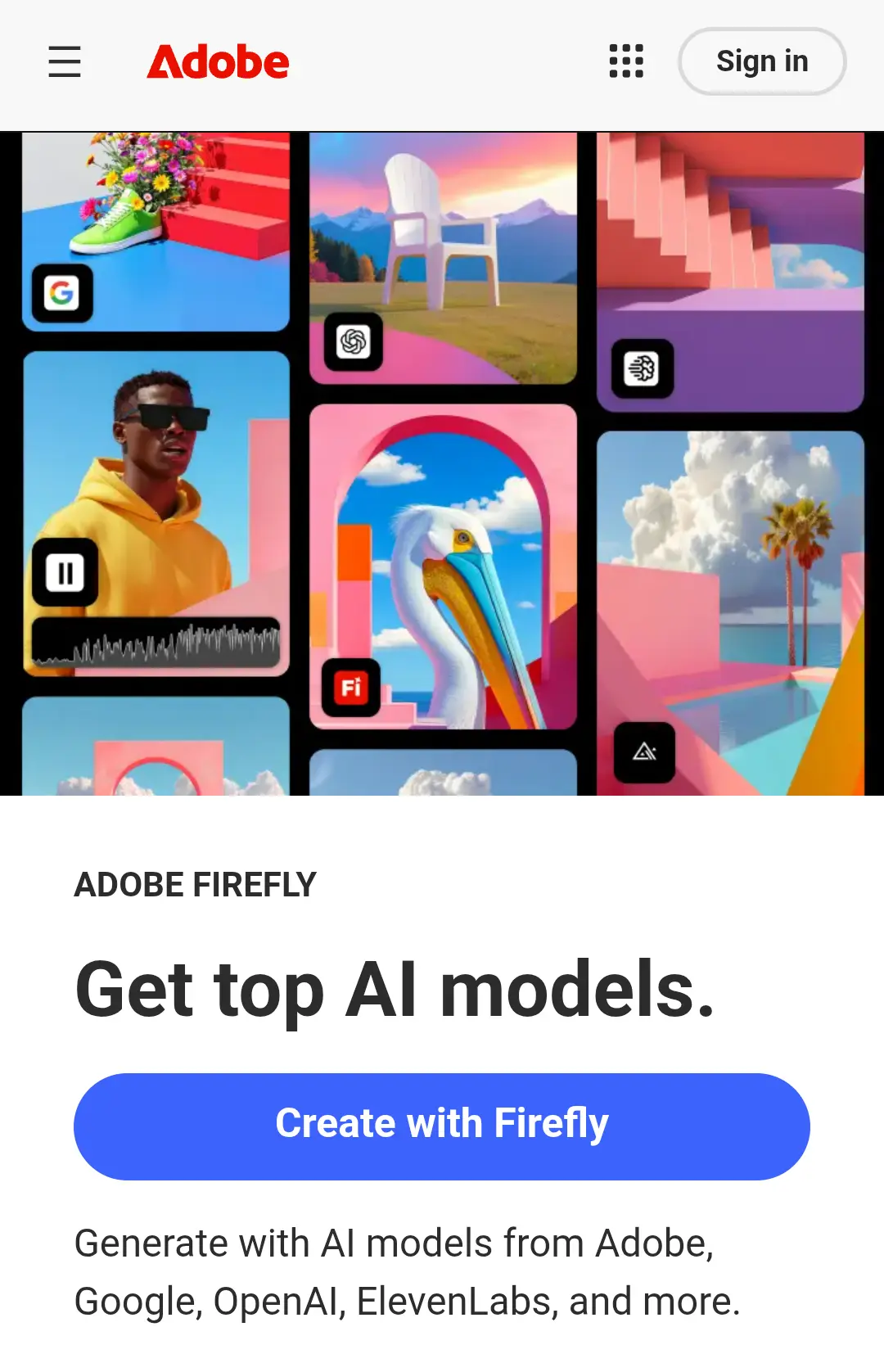
Photoshop AI refers to the AI-powered features built into Adobe Photoshop, powered mainly by Adobe Firefly. These tools help users edit, generate, enhance, and transform images faster using simple text prompts and smart automation.
Key Features
- Generative Fill (add, remove, or replace objects with text prompts)
- Generative Expand for extending images
- AI background removal and object selection
- Content-Aware Fill
- Neural Filters for portraits and effects
- Sky replacement and smart masking
- High-quality, professional image output
How to Use Photoshop AI
- Open an image in Adobe Photoshop
- Select the area you want to edit
- Use Generative Fill or AI tools
- Enter a text prompt or apply an AI filter
- Review variations and apply changes
- Export the final image
Pros
- Industry-leading image quality
- Very accurate selections and edits
- Ideal for professional designers and photographers
- Commercial-safe AI content
- Deep integration with Adobe tools
Cons
- Paid subscription required
- Steeper learning curve for beginners
- Requires a powerful system for smooth performance
- Not fully browser-based
Best Use Cases
- Professional photo editing
- Graphic and brand design
- Advertising and marketing creatives
- Product image editing
- Social media and web visuals
- Advanced image manipulation
Pricing
Photoshop AI is included with Adobe Photoshop subscription plans.
Pricing varies by region and plan type (monthly or yearly).
Alternatives
- Canva AI – Simple and fast designs
- Midjourney – Creative and artistic visuals
- DALL·E – Easy text-to-image generation
- Stable Diffusion – Full control and customization
- GIMP + plugins – Free image editing optional
- Visit Website
- Pricing:: Paid

Leave a Comment