Canva AI
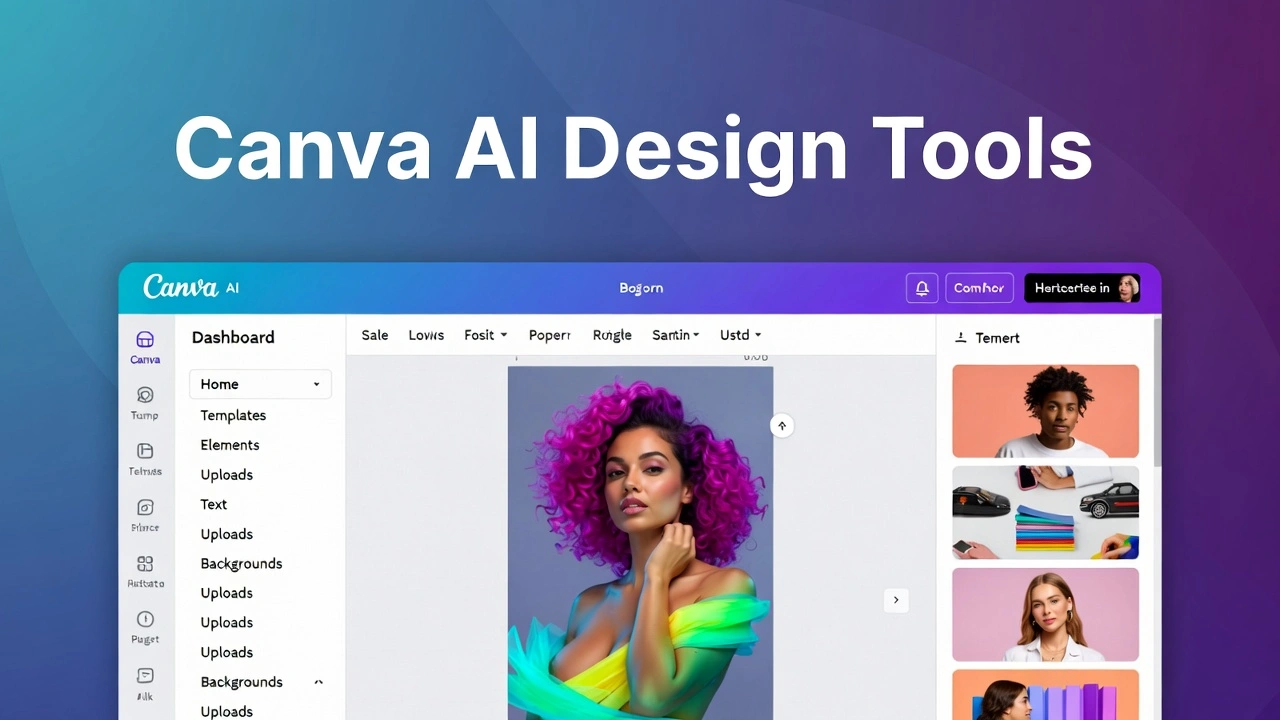
Canva AI is a collection of artificial intelligence tools built inside Canva that helps users create designs faster with minimal effort. Instead of starting from a blank canvas, Canva AI lets you generate designs, images, videos, text, and layouts using simple text prompts.
It’s part of Canva’s Magic Studio, which combines multiple AI-powered features into one place. You don’t need design experience, coding skills, or expensive software. If you can type a sentence, you can create professional-looking visuals.
In short, Canva AI turns ideas into designs in minutes.
Canva AI Key Features
1. Magic Design (AI Layout Generator)
Magic Design creates complete designs from a short prompt or uploaded image. For example:
-
“Instagram post for a fitness brand”
-
“YouTube thumbnail for tech review”
Canva AI automatically suggests layouts, fonts, and colors that actually make sense. This is extremely useful for beginners who struggle with alignment and spacing.
2. Canva AI Image Generator (Text to Image)
The Canva AI image generator allows you to create original images using text prompts. You can choose styles like:
-
Realistic
-
Illustration
-
3D
-
Watercolor
-
AI art styles
This is great for blog images, social posts, and creative projects without worrying about stock photo licenses.
3. Canva AI Video Generator
Canva AI also works for video creation. You can:
-
Turn text into short videos
-
Auto-generate slides with animations
-
Add subtitles using AI
-
Resize videos for different platforms
For creators who want quick explainer videos or reels, this saves a lot of time.
4. Canva AI Image Editor
The Canva AI image editor includes smart tools like:
-
Background remover
-
Magic Eraser (remove unwanted objects)
-
Magic Expand (extend images naturally)
-
Auto-enhance lighting and clarity
These tools feel simple but are powerful enough for everyday design needs.
5. Canva AI Logo Generator
If you’re starting a new brand, the Canva AI logo generator can create logo concepts based on your brand name, niche, and style preferences. While it may not replace a professional designer, it’s more than enough for startups and side projects.
6. Canva AI Headshot Generator
The Canva AI headshot generator helps convert regular photos into clean, professional-looking headshots. It’s useful for LinkedIn profiles, team pages, and portfolios.
How to Use Canva AI (Step-by-Step)
Using Canva AI is straightforward, even if you are completely new.
-
Visit the official website: https://www.canva.com/
-
Sign up or log in (free account works).
-
Open Magic Studio or choose a design type.
-
Enter a text prompt (for image, video, or design).
-
Customize fonts, colors, and layout if needed.
-
Download or share your design.
No tutorials needed. Most features are self-explanatory.
Pros of Canva AI
-
Extremely beginner-friendly
-
Generous free plan
-
All-in-one design platform
-
Fast output with clean designs
-
No design or technical skills required
-
Useful for social media, blogs, and small businesses
Cons of Canva AI
-
Limited customization compared to advanced tools
-
AI-generated images may feel generic sometimes
-
Full AI features require Canva Pro
-
Not ideal for complex branding projects
Being honest, Canva AI is about speed and simplicity, not deep creative control.
Best Use Cases for Canva AI
Canva AI works best for:
-
Content creators
-
Bloggers and affiliate marketers
-
Small business owners
-
Students and educators
-
Social media managers
-
Startups needing quick visuals
If your goal is fast, clean, and affordable design, Canva AI fits perfectly.
Canva AI Pricing
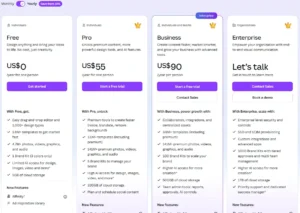
Canva AI follows Canva’s pricing model:
Free Plan
-
Access to basic AI tools
-
Limited image generations
-
Thousands of templates
-
Great for beginners
Canva Pro (Paid)
-
Full Magic Studio access
-
Higher AI usage limits
-
Premium templates and assets
-
Brand kits and background remover
For a Free AI Tools Directory audience, the free plan alone is powerful enough to start.
Canva AI vs Other AI Design Tools
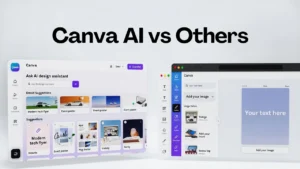
Here’s a simple comparison to help you decide.
Canva AI vs Midjourney
-
Canva AI: Easy, beginner-friendly, design-focused
-
Midjourney: Advanced AI art, steep learning curve
Canva AI vs Adobe Firefly
-
Canva AI: Faster and simpler
-
Firefly: Better for professional creatives
Canva AI vs Looka
-
Canva AI: Multi-purpose design tool
-
Looka: Branding and logo-focused only
Canva AI vs Figma AI
-
Canva AI: Non-designers and marketers
-
Figma AI: UI/UX designers and teams
Overall, Canva AI wins for accessibility and value.
Best Canva AI Alternatives
If Canva AI doesn’t fit your needs, here are solid alternatives:
-
Adobe Firefly
-
Figma AI
-
Looka
-
Designs.ai
-
VistaCreate
Each tool has its strengths, but Canva AI remains the most balanced option for beginners.
FAQs About Canva AI
Is Canva AI free to use?
Yes. Canva AI offers many features in the free plan, though advanced tools require Pro.
Can Canva AI replace a graphic designer?
For basic needs, yes. For complex branding, no.
Is Canva AI good for YouTube thumbnails?
Absolutely. It’s one of the best free thumbnail makers available.
Does Canva AI generate original images?
Yes, the AI image generator creates original visuals based on prompts.
Is Canva AI good for beginners?
It’s one of the easiest AI design tools available today.
If you’re running a Free AI Tools Directory or just exploring best free AI tools, Canva AI deserves a top spot. It combines design, AI, and usability in a way that feels natural, not overwhelming.
It may not replace professional design software, but for speed, simplicity, and value, Canva AI is hard to beat.
If you want one tool that handles images, videos, logos, thumbnails, and basic web visuals without stress, Canva AI is a smart choice.
- Pricing: Free
Leave a Comment