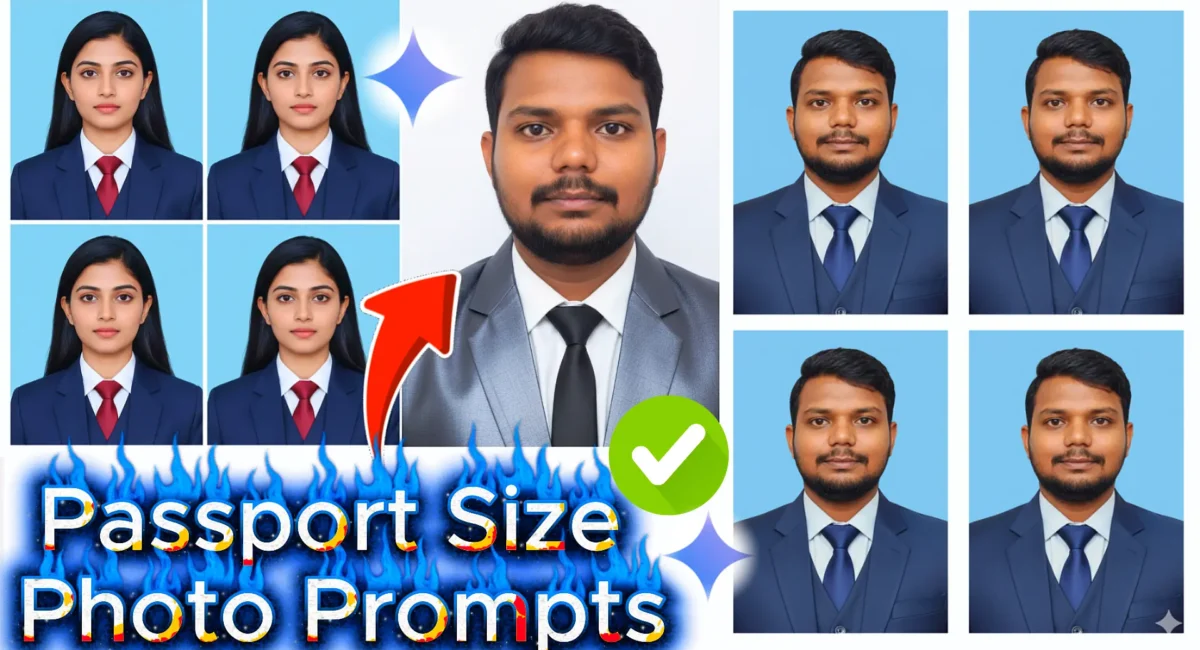
Perfect Passport Size Photo Prompt for Gemini AI: Create Professional Passport Photo
Creating a professional passport size photo can be frustrating when you don’t have the right tools or studio setup. But thanks to Gemini AI, anyone can now generate a perfect passport size photo instantly right from their phone or laptop. If you’ve ever wondered what the best passport size photo prompt for Gemini AI looks like, this detailed guide will walk you through everything you need to know.
Whether you need a photo for an ID card, a visa, or any government document, this article explains how to write the right prompt, what details to include, and how to make it look natural and professional.
Why Use Gemini AI for Passport Photos
Gemini AI, Google’s next-generation generative model, allows users to create ultra-realistic images using passport photo text prompts. What sets it apart is its accuracy in preserving facial features while enhancing background, lighting, and tone.
Instead of paying for expensive studio shots, you can generate your Indian passport size photo or any other style using a simple, well-structured professional passport size photo prompt for chatgpt.
Benefits of Using Gemini AI for Passport Photos
- Create your photo in seconds.
- No need to visit a studio.
- Adjust background, lighting, and outfit easily.
- Gemini AI maintains facial clarity and proportions.
- Anyone can use it without prior experience.
Best Passport Size Photo Prompt for Gemini AI: Create Professional ID Photos Instantly
Here’s the most effective passport size photo prompts you can use:
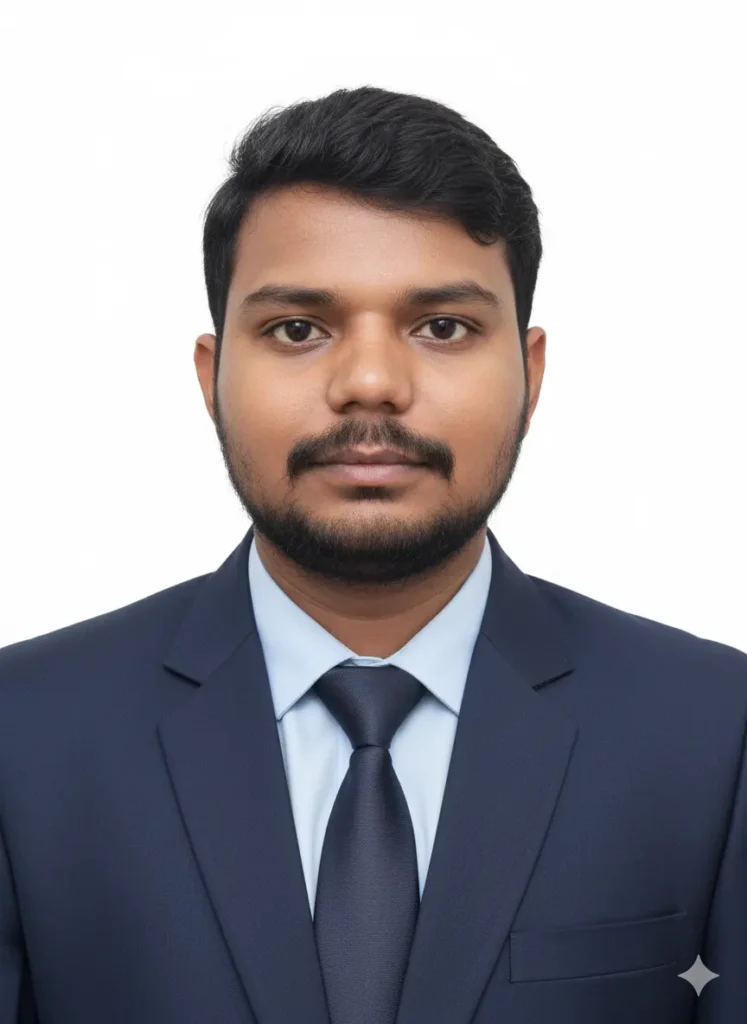
Generate an ultra-realistic passport-size photo of a young professional person. Match the facial structure, skin tone, and overall likeness of the person in the reference image. Keep a neutral facial expression and direct front-facing pose. The person should wear formal business attire - blazer, shirt, and tie. Use a plain light or white background, soft studio lighting, centered composition, and DSLR-quality output in 4K resolution. The style should look like a professional corporate headshot suitable for ID cards, resumes, and LinkedIn profiles. "Use natural skin texture, realistic shadows, and accurate lighting topreserve real appearance." "Ensure background and outfit preserve real appearance." Ensure background and outfit look professional but not overly edited or artificial." "Keep framing similar to official passport-size guidelines (shoulders visible, full head in frame)"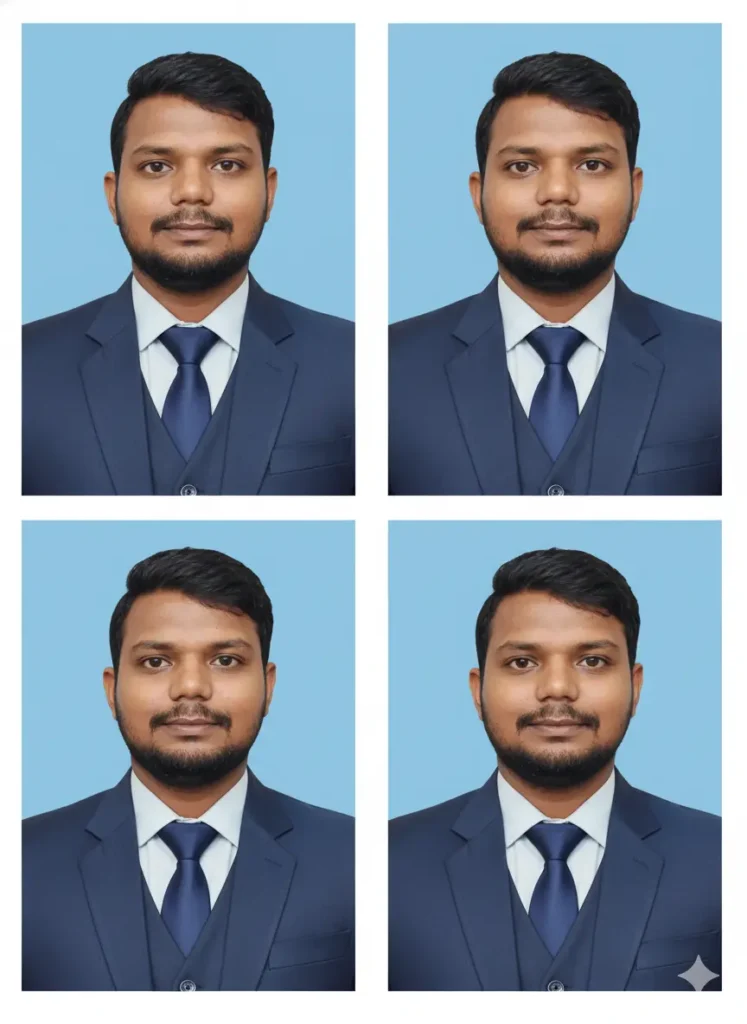
Ultra-realistic passport photo of man (exact face, 99% likeness, no changes). Wearing 3-piece suit with tie, neutral closed-lip expression, straight look, both ears + shoulders visible. Even lighting, plain white/light blue background. Output: 6 identical passport- size photos on one sheet, high-res studio quality.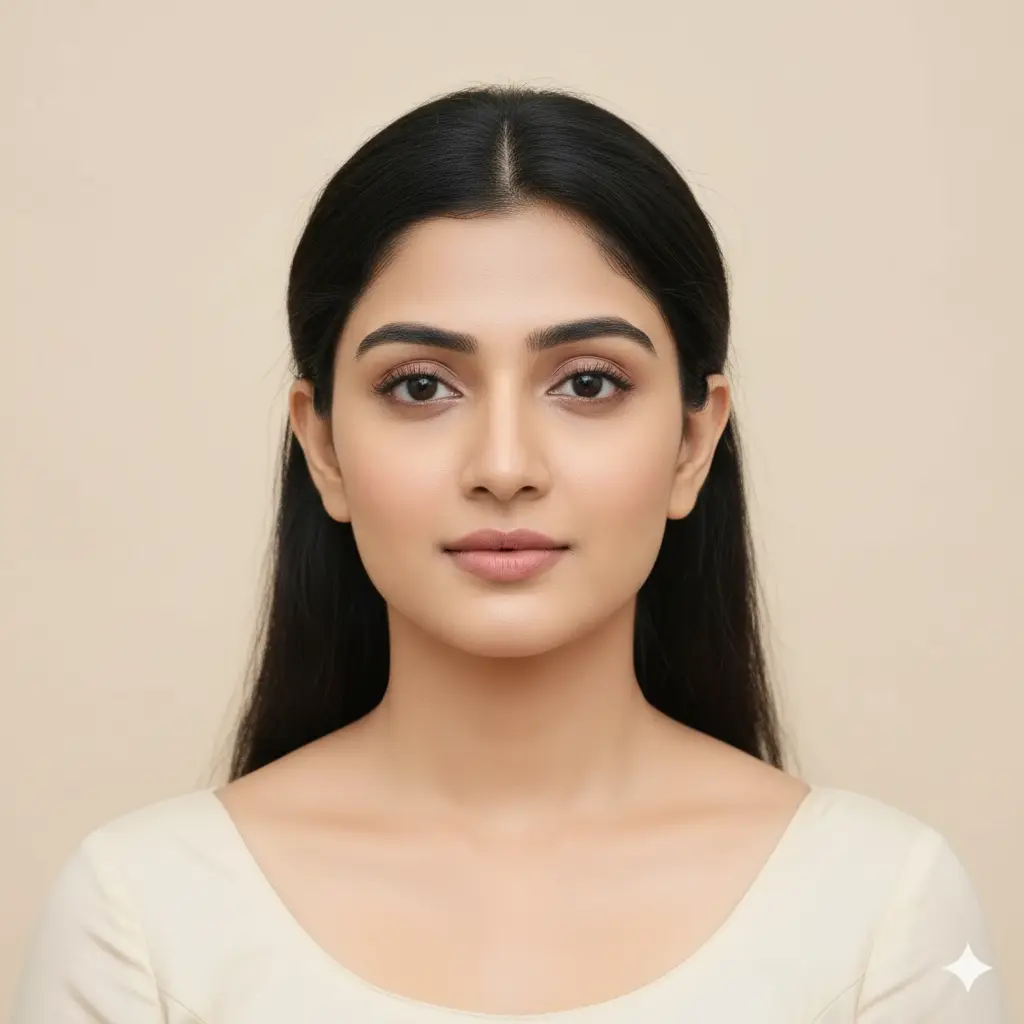
"Create a natural daylight passport photo of the uploaded person. Keep the same real face, smooth skin tone, minimal shadow, white or light beige background, relaxed neutral face expression, and clear studio-like framing."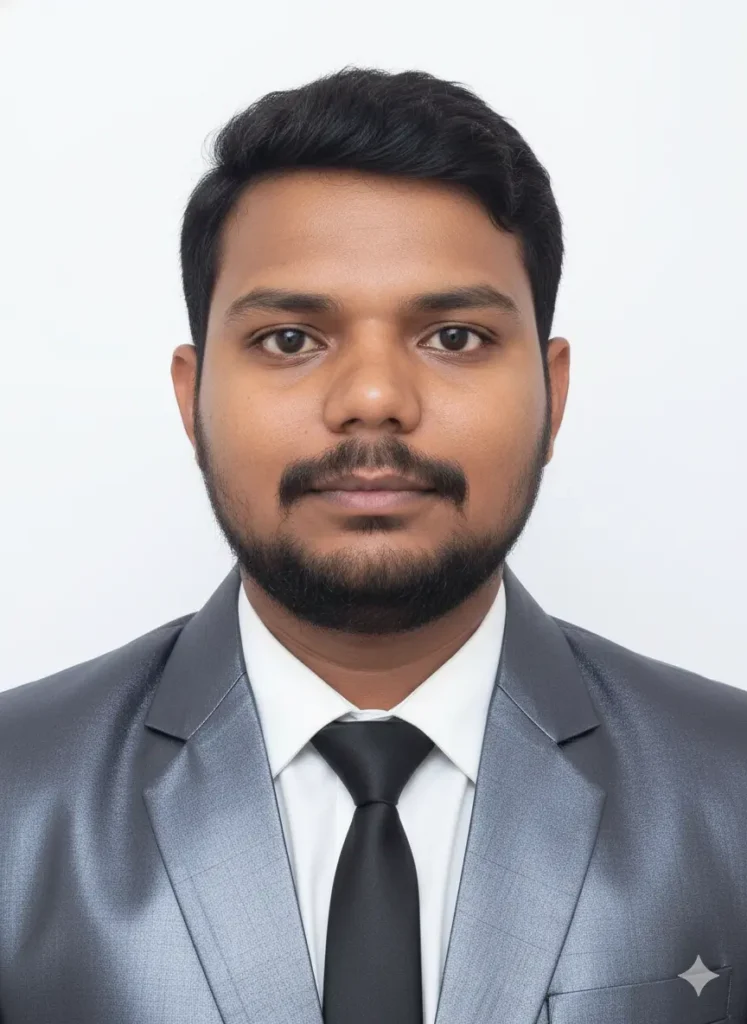
Passport-size photo of a man wearing a deep silver blazer, white shirt, and a solid black tie, strictly following the reference image for facial features and pose. The background must be plain white, clean, and professional. The final output must be in standard passport photo dimensions (2x2 inches or 51x51 mm) with realistic lighting and sharp details, perfect for official use.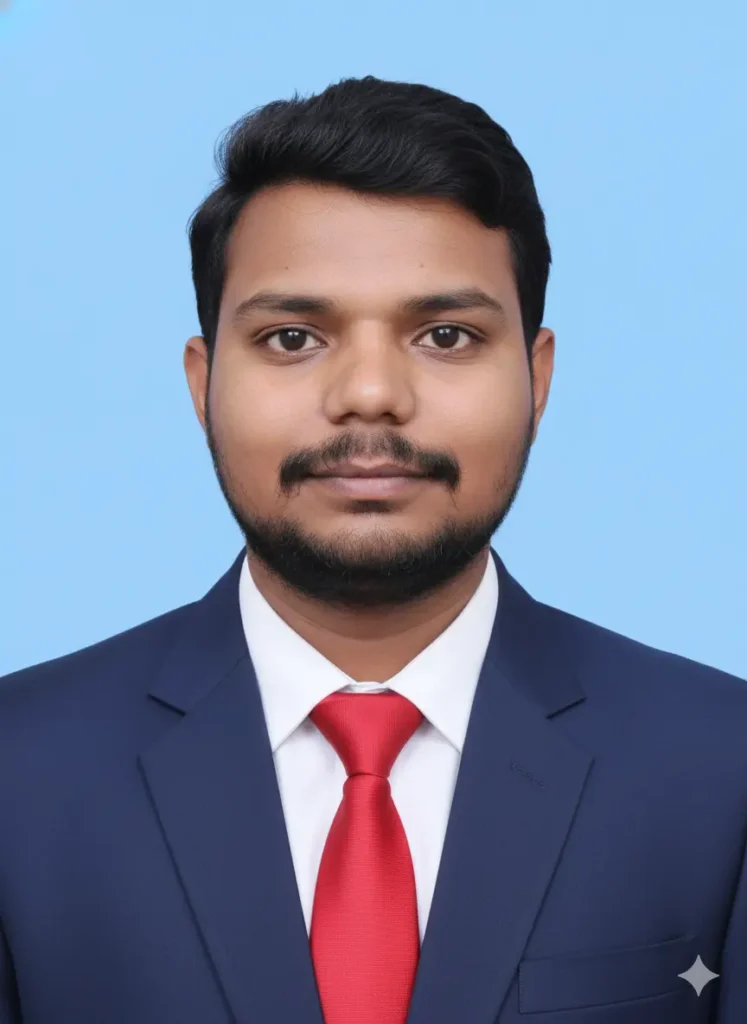
Create a professional passport size photo of the reference person with exact same facial features, skin tone, hairstyle, and expression (ID-lock from reference image). The person is wearing a formal navy-blue coat and red tie with white shirt. Plain light background (white or light blue), neutral expression, front-facing, shoulders visible, official document style. High-resolution, realistic studio lighting, 8K ultra-clear quality.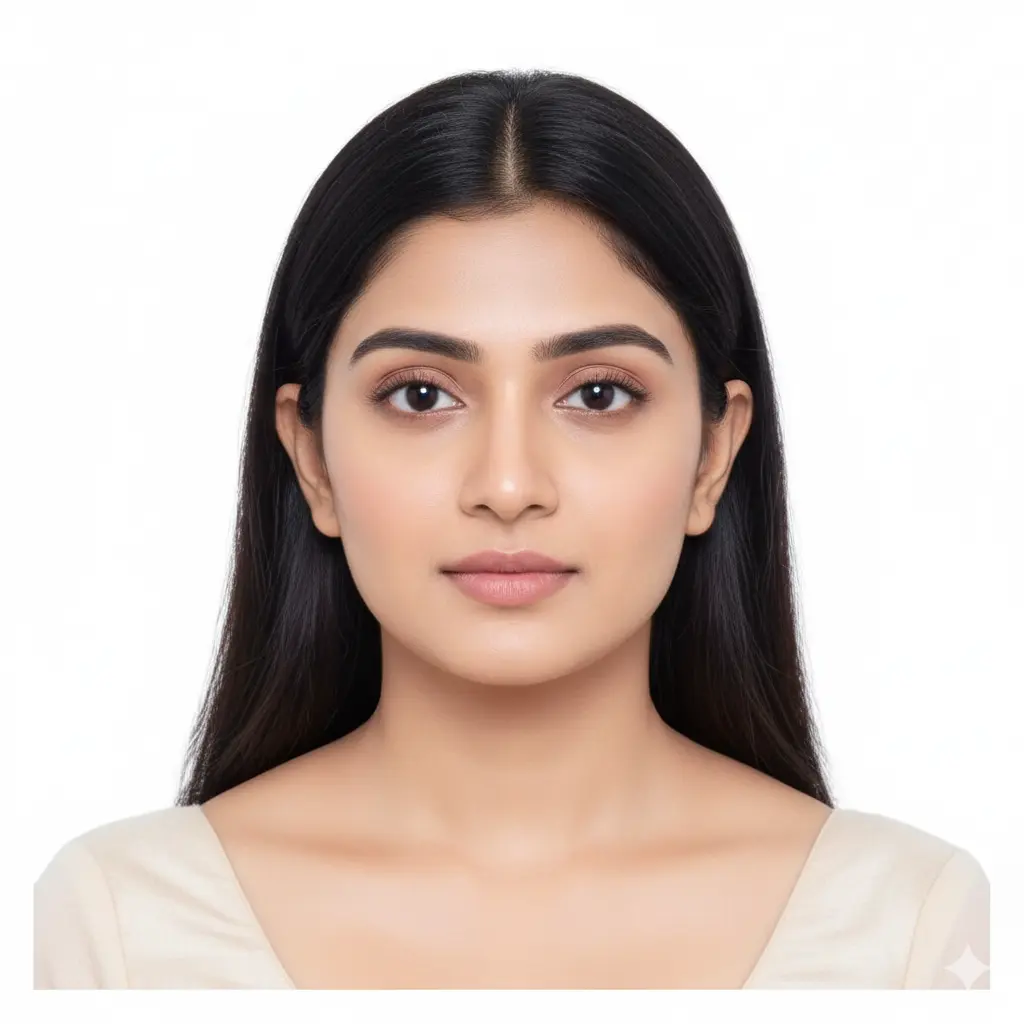
“Generate a passport size photo of the uploaded person with real facial features unchanged. Plain white background, even lighting, head and shoulders visible, front-facing pose, neutral expression, professional framing suitable for passport or ID photo.”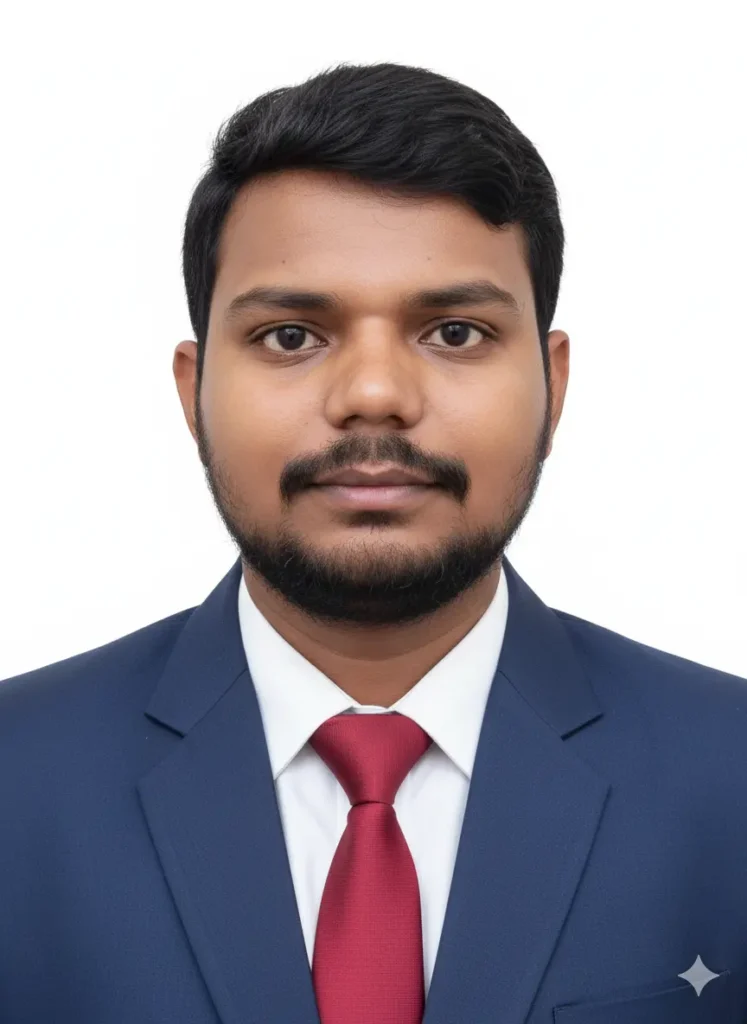
“Generate an Indian passport size photo of the uploaded person, keeping the real face and features unchanged. Background plain white, natural lighting, no shadow, formal dress, neutral expression, head centered and shoulders visible, size ratio 35mm x 45mm.”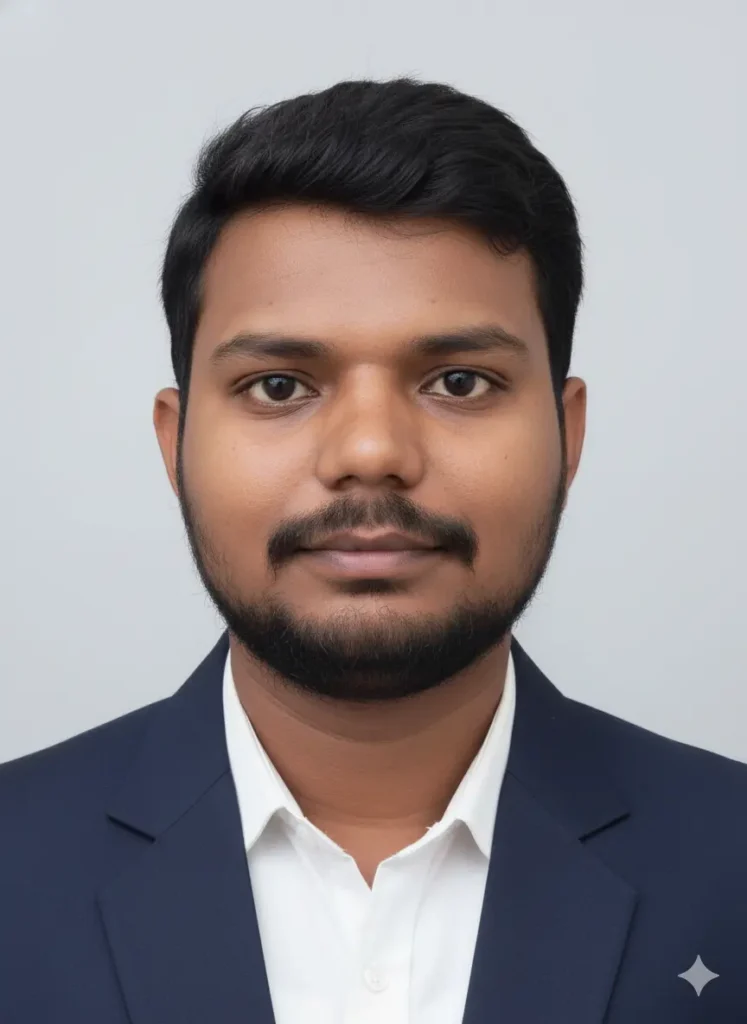
“Make a professional passport size photo of the uploaded person wearing a formal shirt or blazer, plain background, natural light, clean look, eyes open and looking straight, maintain same face without distortion, photo cropped from shoulders upward.”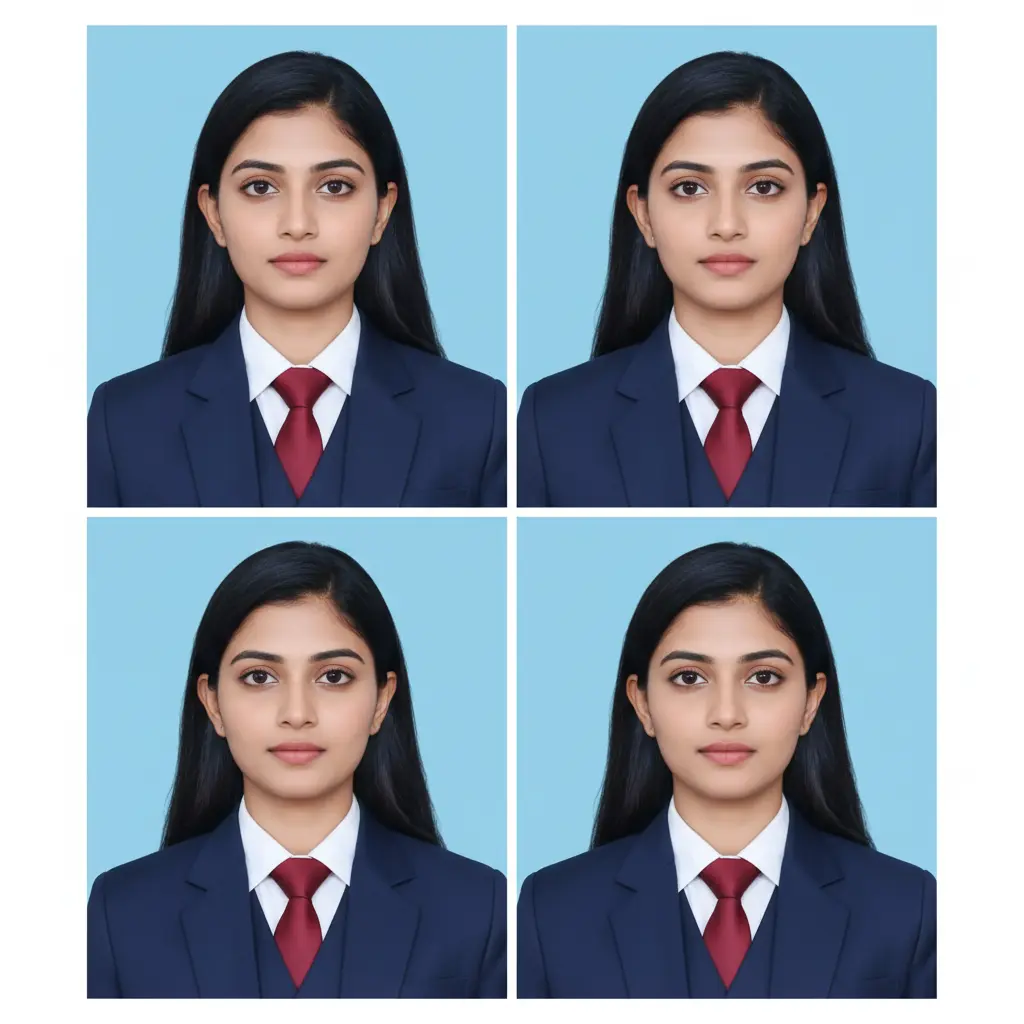
Ultra-realistic passport photo of me (exact face, 99% likeness, no changes). Wearing 3-piece suit with tie, neutral closed-lip expression, straight look, both ears + shoulders visible. Even lighting, plain light blue background. Output: 4 identical ticket-size photos on one sheet, high-res studio quality.How to Use the Prompt in Gemini AI
Follow these simple steps to generate a perfect professional passport-size photo using Gemini AI:
- Go to https://gemini.google.com and sign in with your Google account. You can use the free or pro version both support image generation.
- Click on the image upload icon and select your original photo. Choose one where your face is clear, evenly lit, and taken from the front.
- Now, copy and paste this prompt into the text box:
- Gemini AI will generate your passport photo. Review the results and pick the version that looks the most natural.
- Once satisfied, download the photo and crop it to 2×2 inches (51×51 mm) or as required.
Please Note: If you want to get a passport photo from Chatgpt then use this prompt.
FAQs
Can I use Gemini AI photos for official passport submission?
AI-generated images are not officially accepted for government IDs if created from scratch. However, using Gemini to enhance your real photo (without changing your face) is acceptable for printing or unofficial ID purposes.
What is the ideal size for a passport photo in India?
The standard size is 2×2 inches (51×51 mm) with a white background, neutral expression, and head centered.
Does Gemini AI change the person’s face?
Not if you add “do not change the face or appearance” to your prompt. Gemini will retain your original facial details.
Can I generate passport photos without uploading an image?
You can, but it won’t represent you accurately. Always upload your own photo for realistic results.
Which is better: Gemini AI or ChatGPT for passport photo prompts?
Gemini AI is better for image generation, while ChatGPT is useful for writing or refining prompts to feed into Gemini.
Conclusion
Creating a professional passport size photo doesn’t have to be complicated or expensive. With the right passport size photo prompt for Gemini AI, you can generate a clean, compliant, and high-quality image in seconds.
Whether you’re preparing for an official document, job application, or visa, Gemini AI gives you complete control over background, lighting, and tone without altering your face.
Start experimenting with the sample prompts above and see which one fits your needs best.
Leave a Comment